
Steer from anywhere.
Manage tasks and inspect progress through an external agent connected over MCP.
A Playbook IDE
A Playbook gives you a ready-to-go team of agents you can steer as you discover what your work needs.
macOS (Apple Silicon) · Linux (x86_64)
curl -fsSL https://cdn.alinery.ai/install.sh | bash01 / The process
A Playbook gives your agents a shared process. You set the direction, see the work, and steer when it matters.
A ready-to-go team of agents following a process you can inspect and adapt. Each agent has a clear responsibility. As the work reveals new questions, the team can grow with it. Learn more
 Alinery / PlaybooksIllustrative workflow
Outcome and constraints → shared with the team
Give the team an outcome. Choose the process before the work begins.
02 / The workspace
One home for the context, the agents, and their work. Explore a side path without losing the thread.
A side path. Still connected.
Fork a sub-task to explore an unknown. Keep the useful work; leave the detour behind.
Each sub-task starts from the parent’s context, giving agents a focused place to investigate. Learn more
The rest of the toolkit / 03
Your tools. Your models. Your way of working.
Manage tasks and inspect progress through an external agent connected over MCP.
Choose models per Playbook step. Bring your harness, or start with  OMP.
OMP.
Close the app. Reconnect to your running agent and terminal sessions when you return.
Plans, decisions, and outputs in Markdown. Ready to inspect and comment on.
Your work lives in your repository’s .alinery directory. Product telemetry is opt-in.
Playbook library
Start from the library. Adapt the process. Share what works.
Read the project README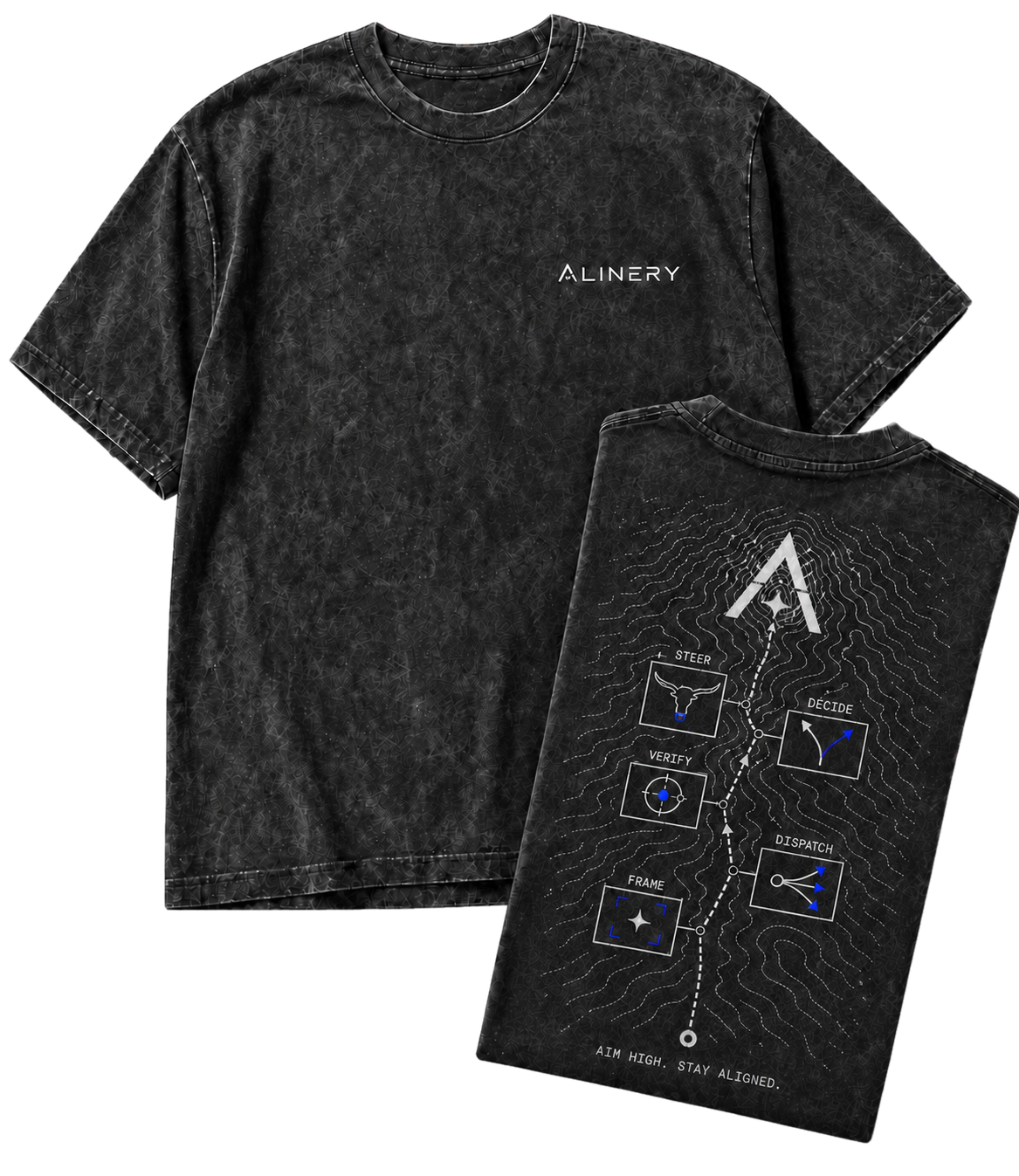
For the founding cohort
Support Alinery with the Founder plan, including $5 in monthly AI credits and limited founder T-shirt incentives.
Explore the Founder planSign up for Alinery product updates and announcements.